
Ch 06a: Importing and matching references (worked example)
Ian Johnson, updated 29 May 2026
Background
This section gives a worked example of importing two sets of references (Primary and Secondary) for inscriptions from a spreadsheet derived from Zotero data. The example comes from the IDENK project (Idenk.net) based at the EFEO, courtesy the poject director Arlo Griffiths [REQUEST AGREEMENT, I am sure it will not be a problem]
Basic structure
Inscription records contain two record pointer fields (Primary references and Secondary references)

These point to Bibliographic reference records

Bibliographic reference records contain
Bibliography records are of various types (Book, Chapter, Journal Article, Thesis etc.)

The bibliography records are identified by strings such as Adams1912_01 (not shown in the view above). These are identifiers which have been filled in the Zotero Short Title field in a large Zotero library (21,000 references). These are referred to as ZSTs.
*One could also use the Zotero key field, which is automatically populated with an 8 alphamnumeric hash key which is statitically unique and cannot be edited - it is this key that we use to link our internal bibliographic records back to their Zotero origin records.*
The steps are as follows:
The first batch were already in the Heurist database so these identifiers are exported to a spreadsheet. Later batches will be imported from a spreadsheet used to collect data 'in the field'
If not already separate in the spreadsheet, use Libre Office Data > To columns to split the ZST and the pagination reference (page numbers and or illustrations)
Deduplicate the rows in the spreadsheet (Dat > Duplicates) based on the ZST and pagination. Each row will then be a reference to a particular place in a particular bibliographic record.
Import into Bibliographic reference records
Split the original spreadsheet (before deduplication) into two CSV files, one for Primary and one for Secondary references
Import each of these files into the Inscriptions table, the first into the primary reference field, the second into the secondary reference field.
These fields are record pointer fields pointing to Bibliographic reference records, so the textual ZST + pagination value is first matched with the values in the database and this generates the ID of the Bibliographic reference records created in the previous steps, and ut us this ID which is inserted into the record pointer fields.
After updating the bibliographic records (Book, Chapter, Journal Artivle, |Thesis etc.) from the Zotero library (Populate > Zotero Bibliography sync we need to relate the Bibliographic reference records to the bibliographic records by matching the ZST in the first with the Zotero Short Title field in the second, using Recode > Foreign Key match.
From scratch
Delete all Bibliographic references. This also deletes the pointers to them from Inscriptions.
Preparing the spreadsheet
Batches 2 and 3 will already have their much more comprehensive spreadsheet, see later.
Export all the existing ZST references for Primary and Secondary refs (not Surrogates)
to CSV using CSV Primary Secondary refs custom report:
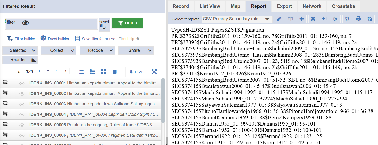
Open in Libre Office (the delimiter is tab, not $ as shown)
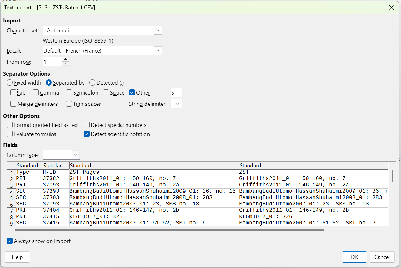
Highlight ZST column, Data > Text to columns using the colon ( : ) as a delimiter:
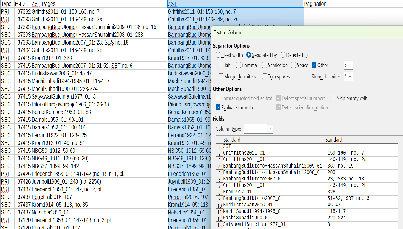
You now have the original ZST+pages value and separate ZST and Pagination values in the last two columns (some have no pagination so the last column will be empty).
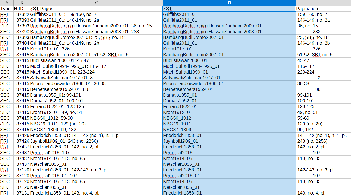
Now deduplicate on the ZST Pages column in LibreOffice (Data > Duplicates).
Rather than child records we will point multiple inscriptions to common Biblio Reference records which include a page range. Note that editing these records can corrupt other Inscription entries which point to it if the change is such as to change the reference, since the Bibliographic reference records are to a specific place in a particular bibliographic entity.
The alternative is the use of child records and significant duplication (1 in 4 approx). Using independent bibliography references is altogether simpler to deal with apart from the slight drawback above.
Preparing the batch X spreadsheet
To document when I have the final spreadsheet
Loading the bibliographic references and linking
Load into Heurist with Populate > CSV.
Select INScriptions for H-ID as these records relate to data in the Inscriptions
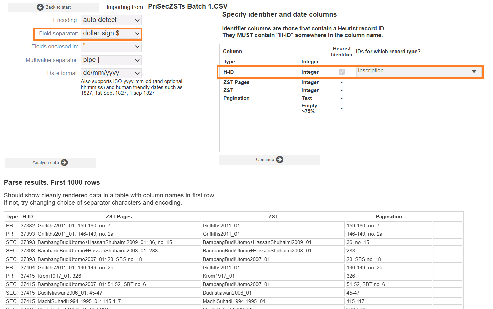
However, first choose Bibliographic record pointer as we want to create bibliography records and then reference them in Inscriptions.
Skip matching as we will import all the records in this first batch since there are currently no Biblio reference records and we have deduplicated.
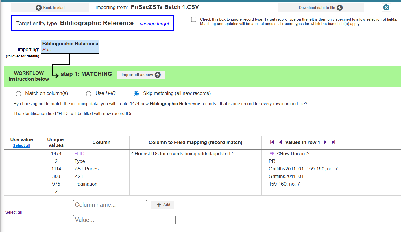
For subsequent additions you will need to match with existing values
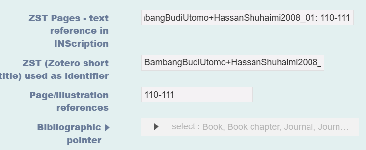
Note: after deduplication we have 1114 Biblio references, these examples were pre deduplication
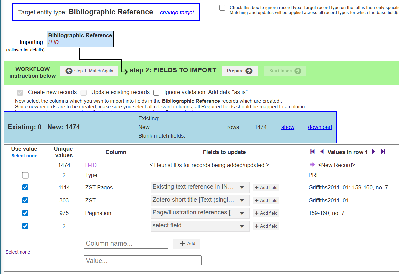
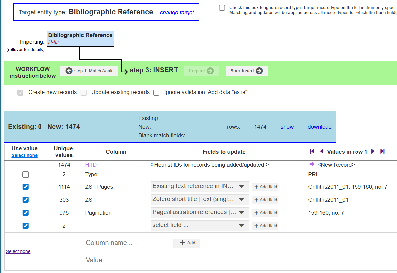
We now have 1114 bibliographic records like this:
Now split the incoming original spreadsheet into Primary (n=398) and Secondary (n=1076) references based on PRI and SEC in the first column.
Save as two CSV files. Load each in turn.
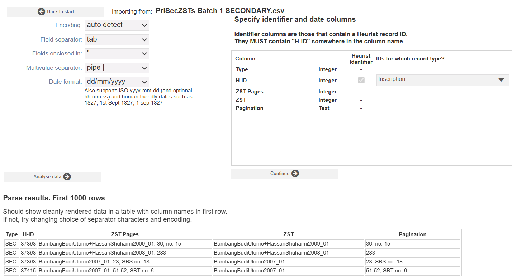
Select Inscription as the primary type and Primary refs or secondary refs as the dependency (these images are for the Secondary refs)
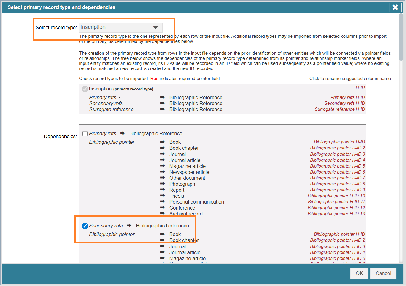
It will first ask you to match the Bibliographic references in order to set the H-IDs for those references which are to be inserted into the Inscription records.
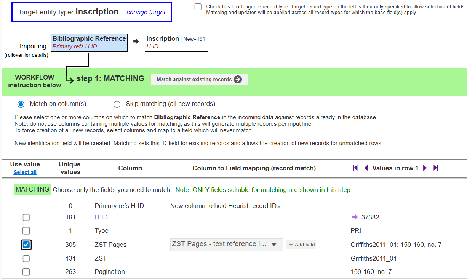
That sets the IDs of the Bibliographic reference records.
Now select the Inscription records which are to be updated.
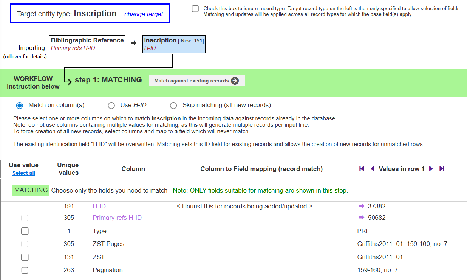
Click on Use H-ID (this was in the original file and referenced the INScriptions)
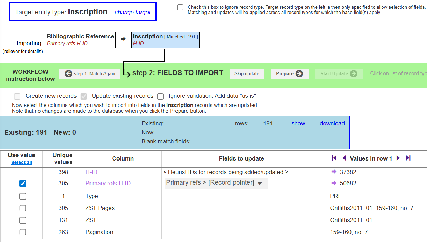
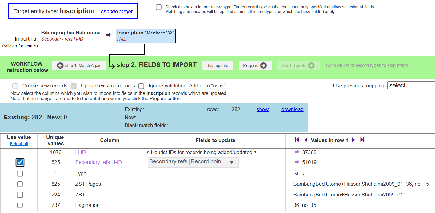
Existing: 191 New: 0 tells us that there are 191 Inscriptions (of the 398) which have Primary bibliographical data (for the Secondary references it's Existing: 282 New: 0)
We import the Primary references H-ID into the Primary refs > record pointer field (later, the Secondary references H-ID into the Secondary refs > record pointer field):
Primary references:
Secondary references:
Prepare, then Start Update:
Primary references: Secondary references:
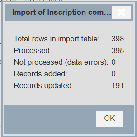
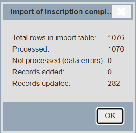
and all looks good:
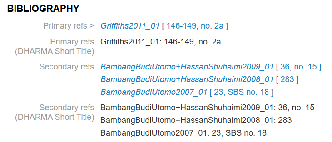
Connecting Bibliographic reference records with bibliographic entities
Now we have to connect our Bibliographic reference records with the appropriate bibliographic records imported from Zotero. We must do this for each of the reference types used since we cannot match across multiple tables.
For books:
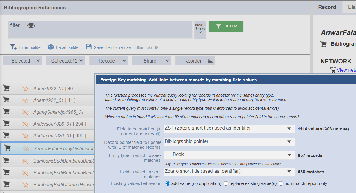
and for each of the other types:






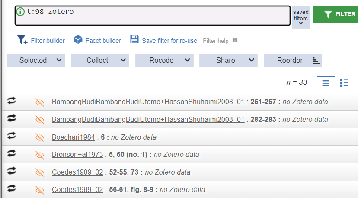
These are Bibliographic reference record which do not match up with a Zotero record using the ZST, and in most (all?) cases these ZST do not exist in the database except in these records. This needs to be checked individually.